

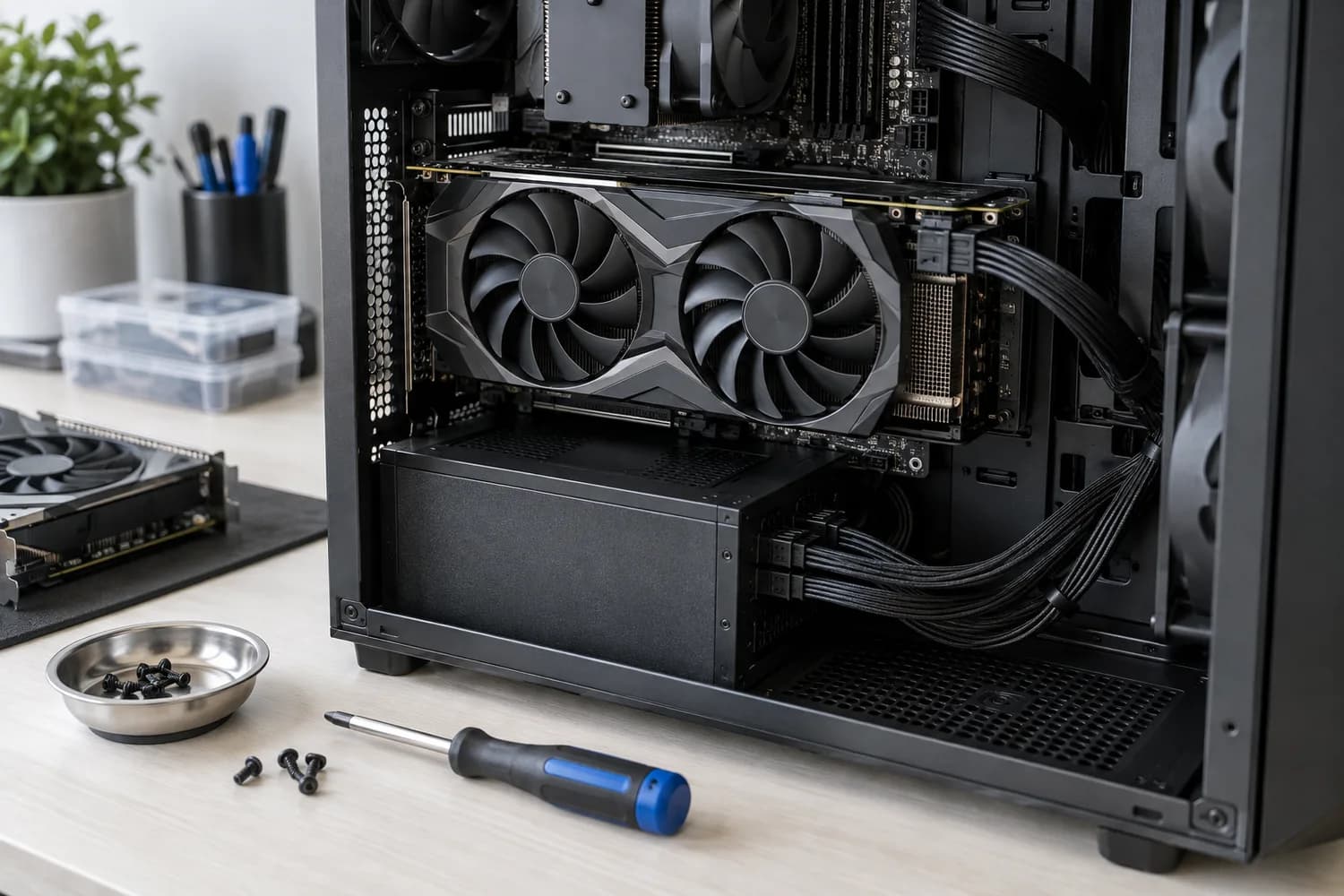
Upgrades
What to check before upgrading your graphics card
Check whether a new card fits your case, gets the power connectors it needs and addresses the problem you actually see.
6 min read
Featured guide · PC Builds
Start from your games, applications and display target, then check CPU support lists, BIOS versions, GPU clearance and PSU connectors before you buy.
By The PC Journal7 min read
Upgrades
Check whether a new card fits your case, gets the power connectors it needs and addresses the problem you actually see.
6 min read
Monitors
Match size and resolution to your desk, then confirm your graphics outputs support the refresh rate you want.
6 min read
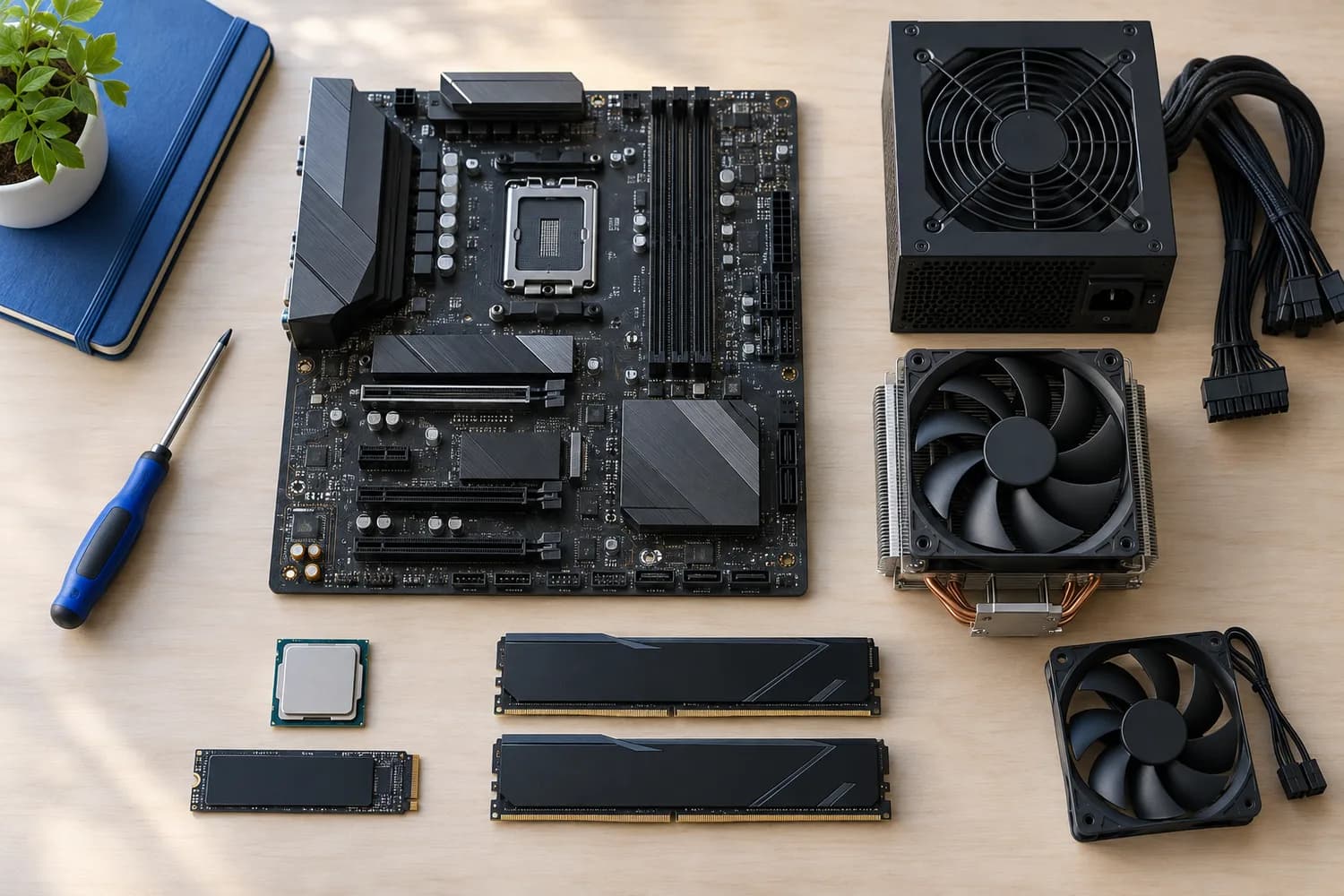
Components
Confirm form factor, case length and the exact connectors your motherboard and graphics card require.
5 min read
Components
Work out the real peak load of your GPU and CPU, then check whether a PSU states ATX 3.x spike handling and the right cable.
9 min read
New to PC decisions? Read these in order.
Define workload and budget
Turn your games, applications and display into a target and a complete budget.
Understand component roles
Learn what each part is responsible for and which constraints it brings.
Plan a build or an upgrade
Already own a PC? Find the actual limit before replacing parts.
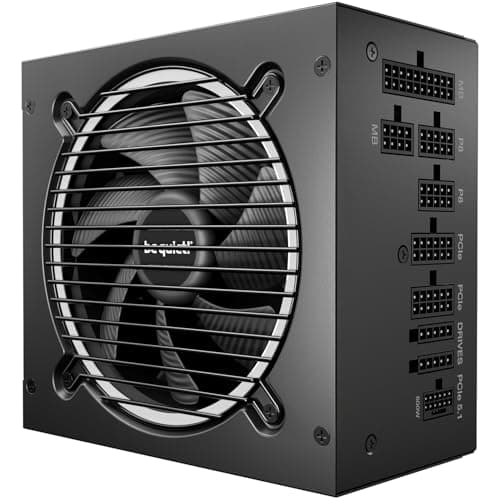
Components · Buying Guide
Compare connector counts, unit depth and measured noise before you choose. Wattage is rarely what rules a unit out.
10 min read
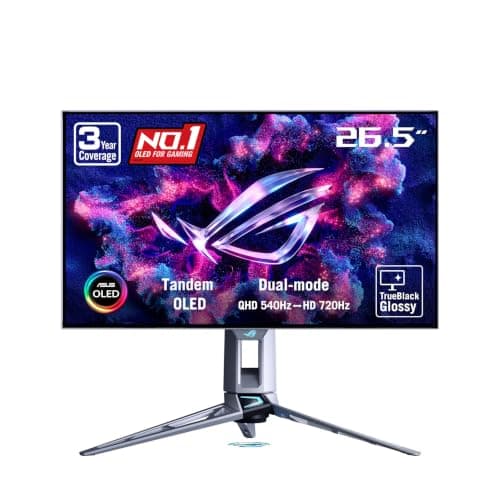
Monitors · Buying Guide
Check which input carries full refresh rate, whether burn-in is covered, and how text looks on each panel type.
11 min read
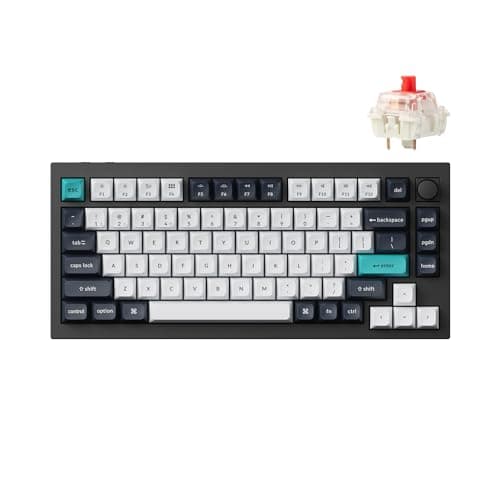
Peripherals · Buying Guide
Check the polling rate on the connection you will actually use, and which switches the sockets accept, before you buy.
9 min read
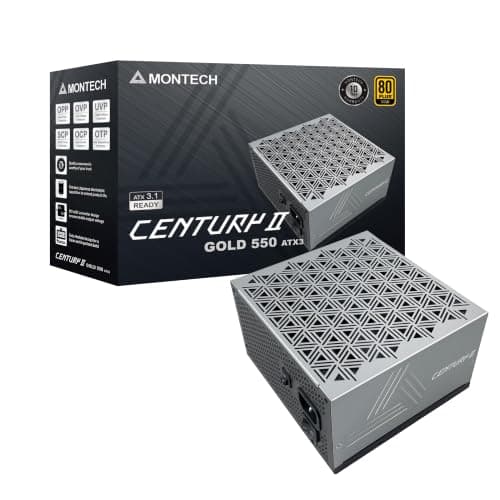
Components · Buying Guide
Compare warranty length and cabling on low-wattage units, and check whether 550W leaves room for your next graphics card.
10 min read
Components
Start with workload and target performance, then choose a platform whose motherboard and cooling costs fit the total build.
11 min read
Upgrades
Measure the workload first: CPU limits show up differently from GPU limits, and the right upgrade depends on resolution and software.
11 min read
Monitors
Resolution should match screen size, viewing distance, workload, GPU performance, and desired refresh rate.
11 min read
Our standards
Our current guides are research-based. We explain what we can verify and where evidence is limited.
Read our methodologyWe begin with the games, applications, display and existing system behind the decision.
Manufacturer support lists and manuals matter more than broad product-family assumptions.
Specifications, independent tests and editorial interpretation are kept distinct.